Setting up Voice Recording on Your Phone
This guide will walk you through the steps to get set up to record voice overs on your phone.

Download App
To get started, download the Voice Recording App from the App Store or Google Play. This guide will use Voice Record Pro, you can dowload the app for free here:
Login to the app for the first time
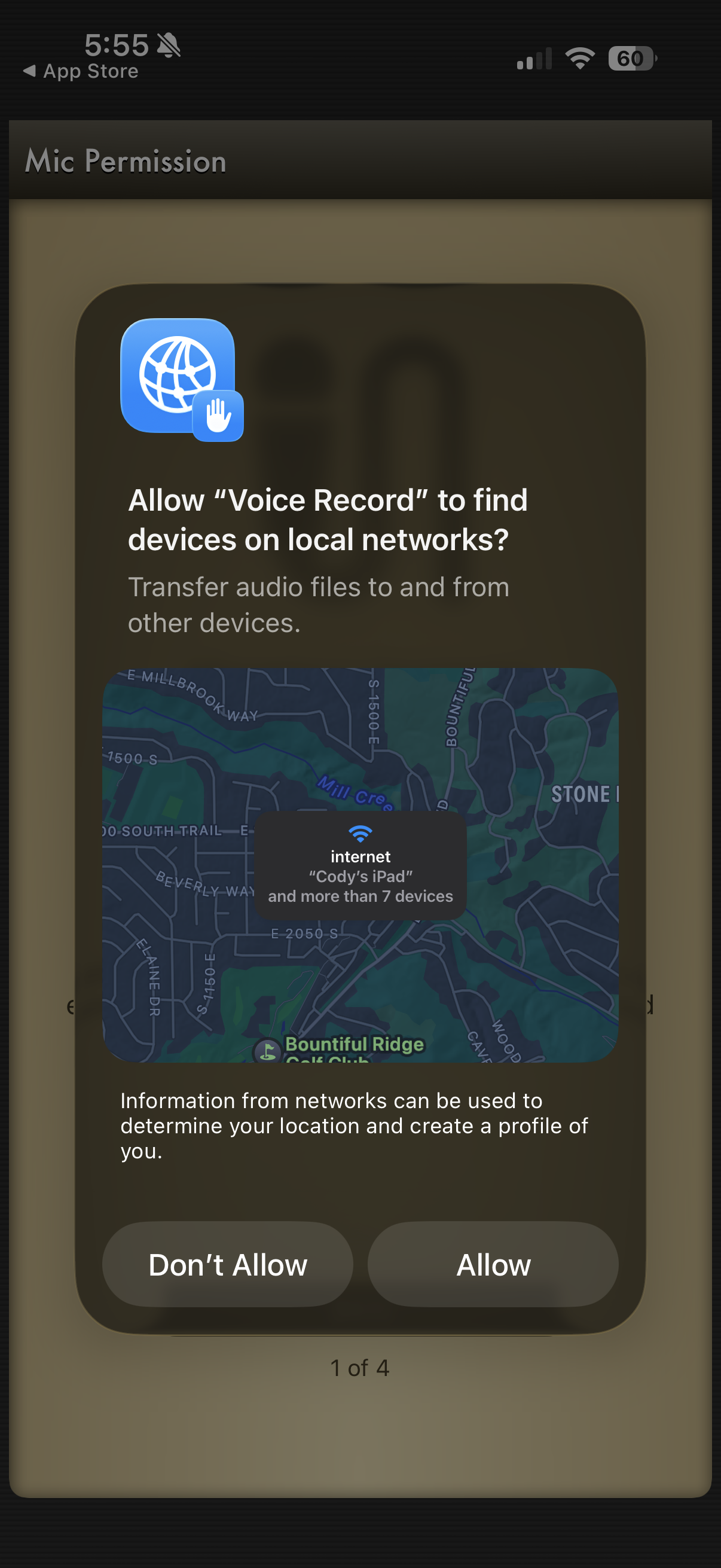
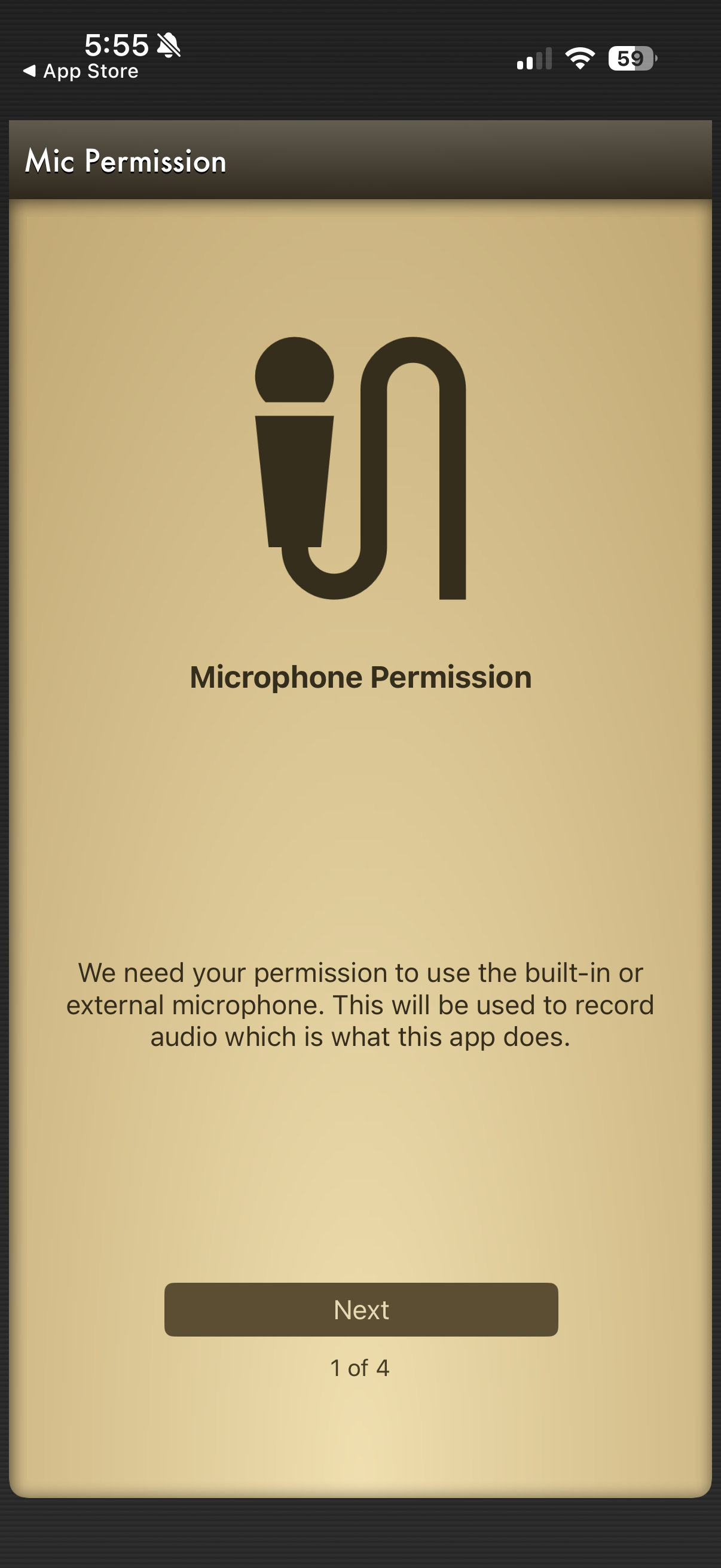
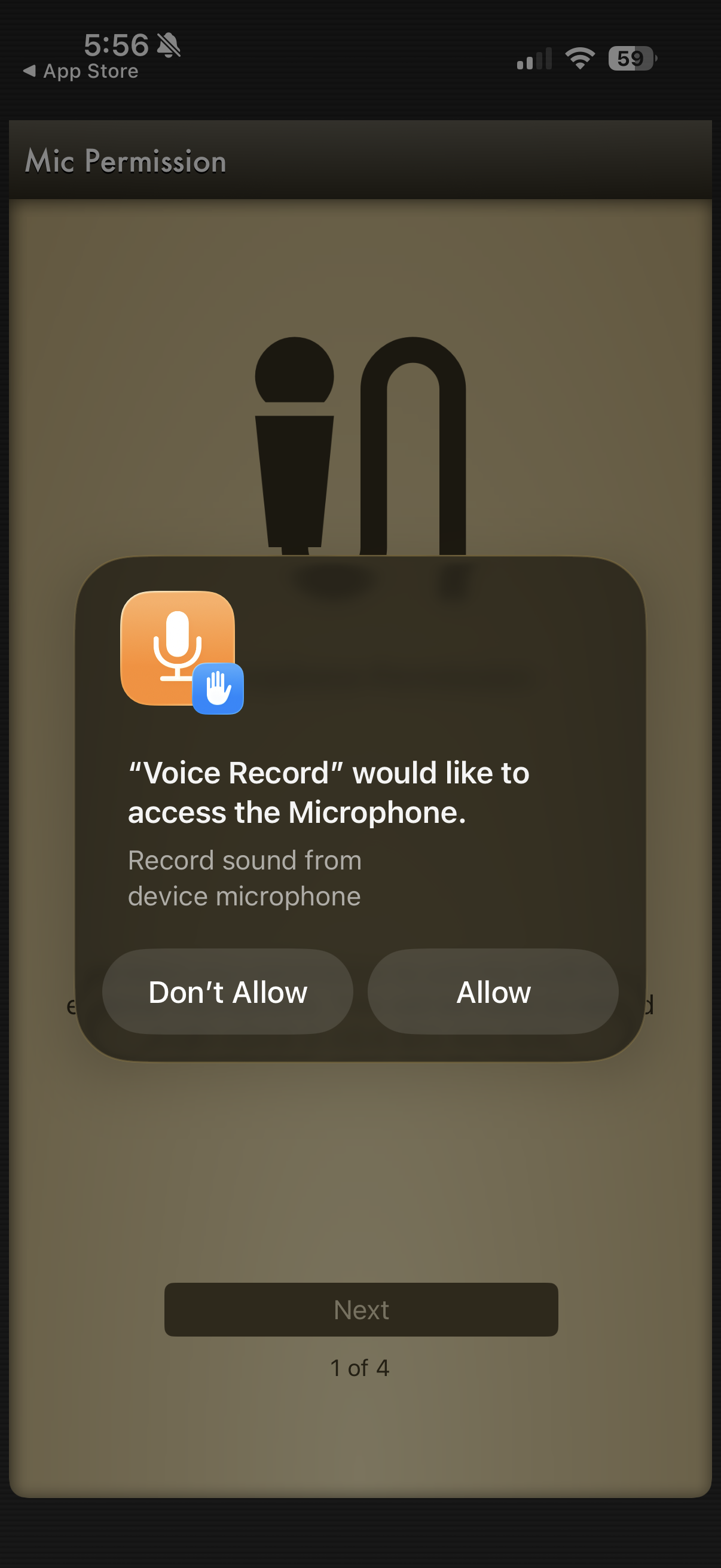
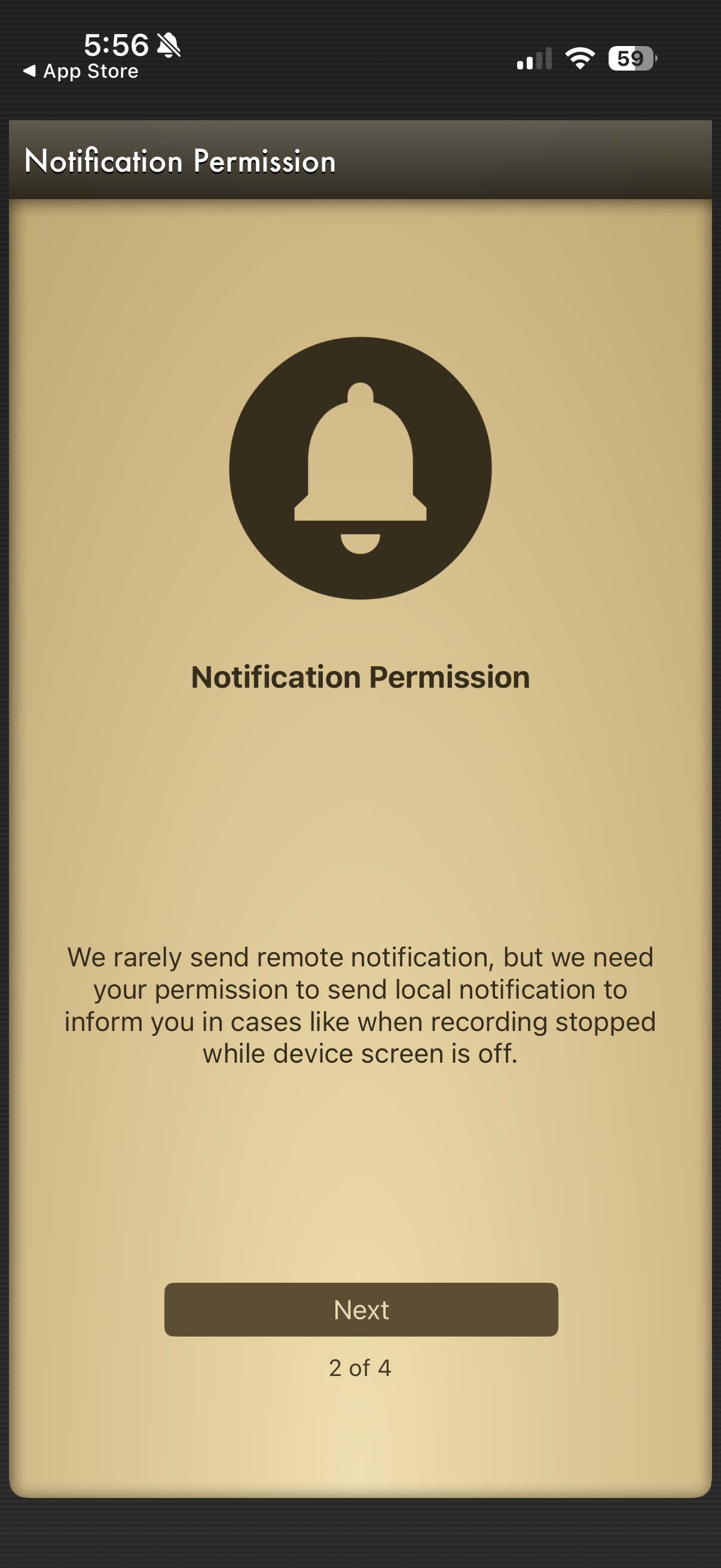
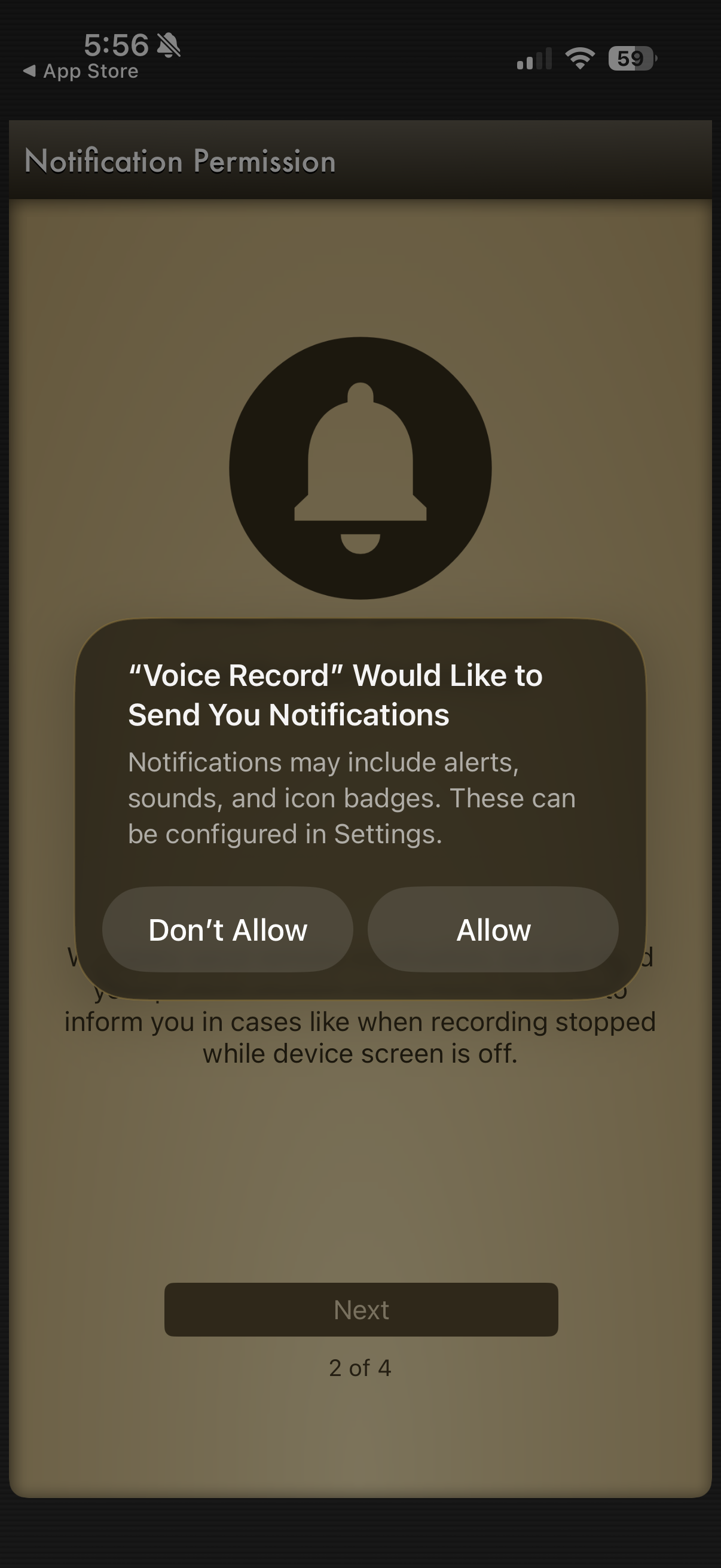
When you open the app for the first time, you will be prompted to allow access to your microphone. Make sure to allow this so the app can record your voice.
Record Audio
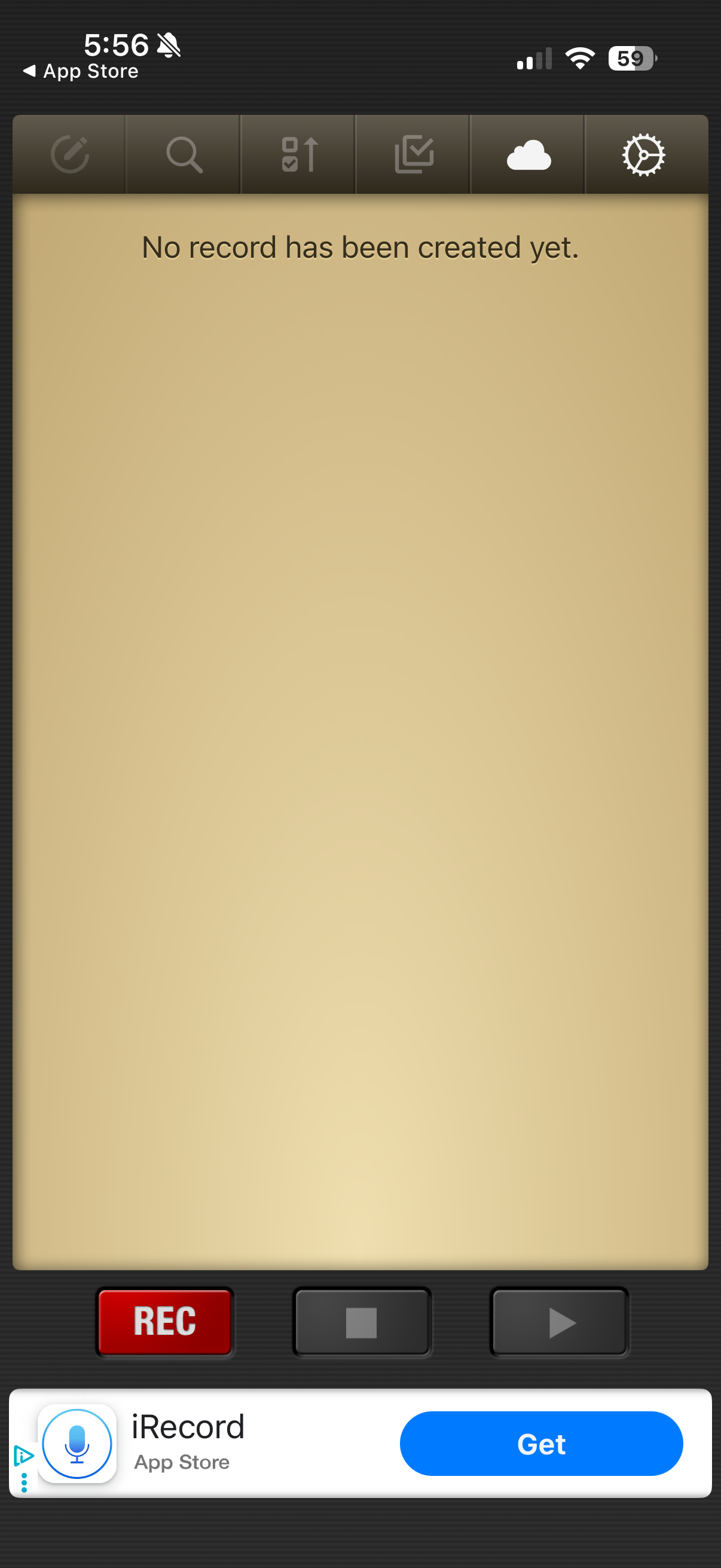
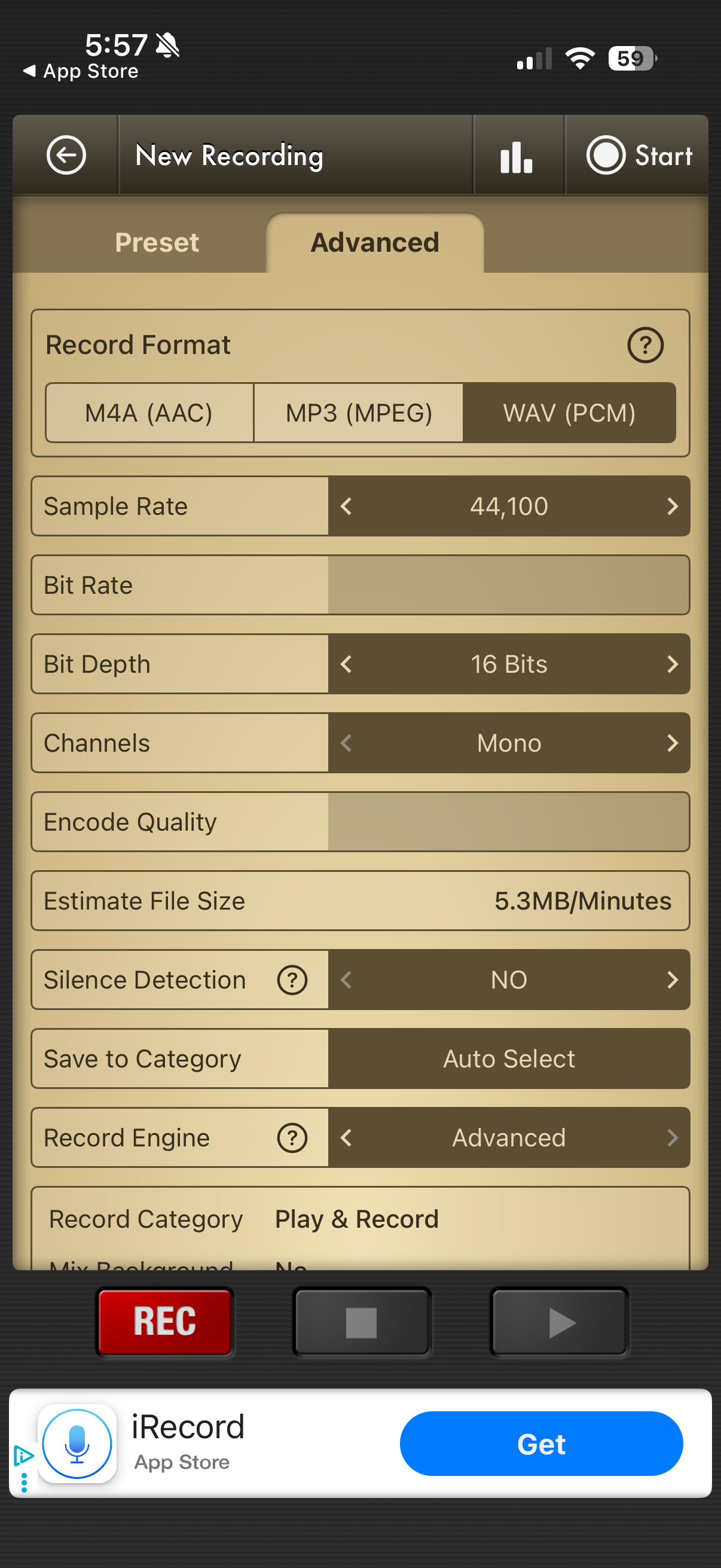
To start recording, tap the red record button at the bottom of the screen. Then click advanced to configure recording settings
Configure settings
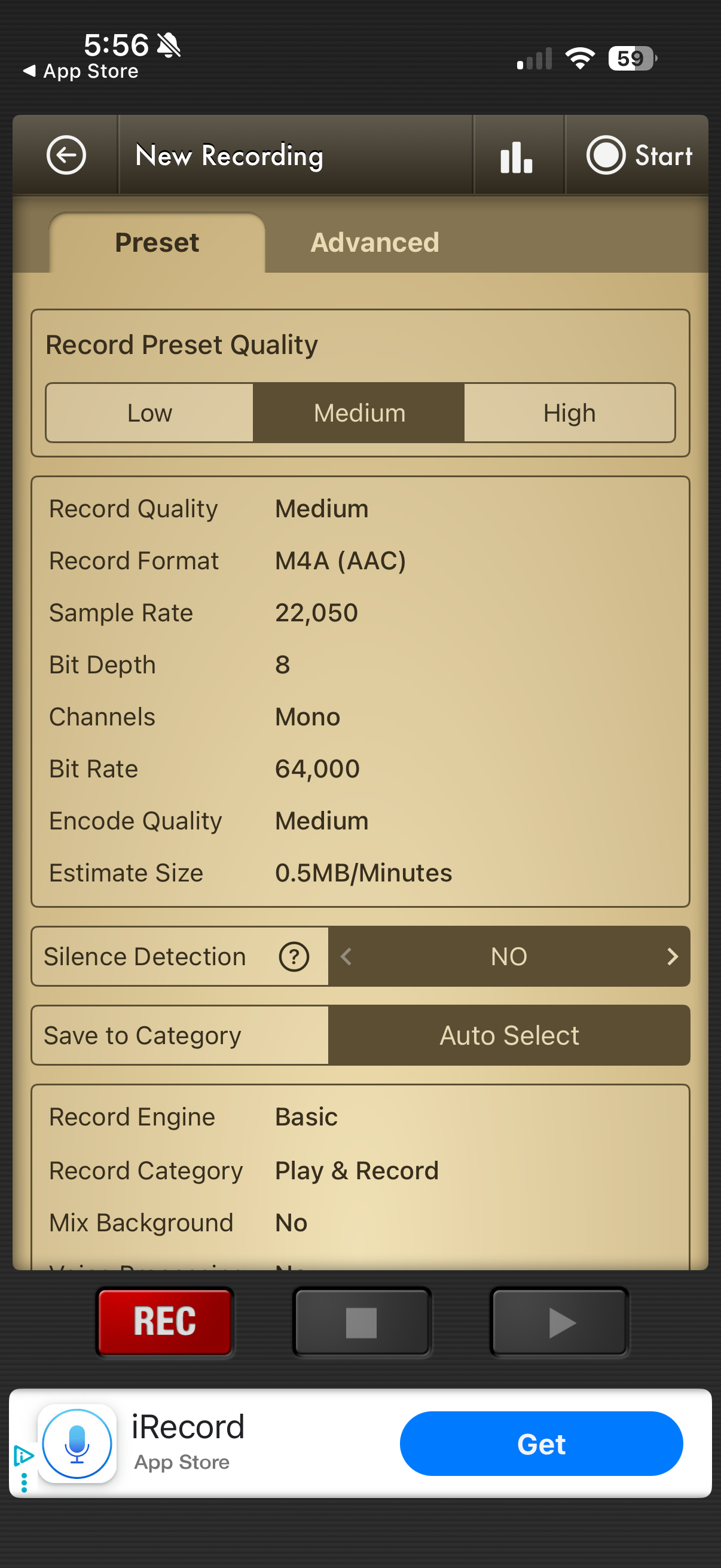
After clicking advanced, configure the settings as follows:
Double Check Your Settings
Please take a second to make sure your settings are correct before starting to record.
- Format: WAV
- Sample Rate: 44100 Hz
- Channels: Mono
- Silence Detection: No
You’re Ready to Record!
You are now ready to record your voice overs. Simply tap the red record button to start and then tap the blue stop button when you are done.
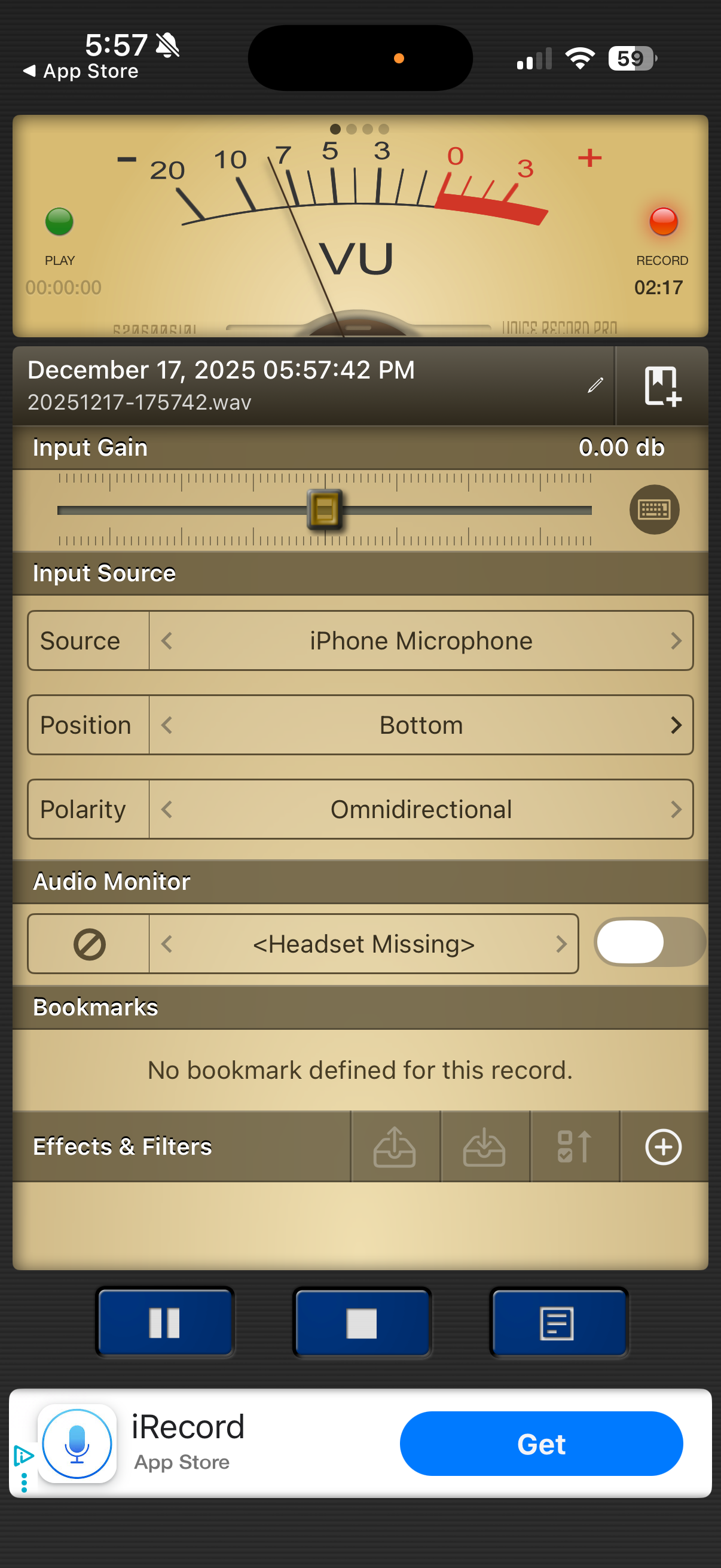
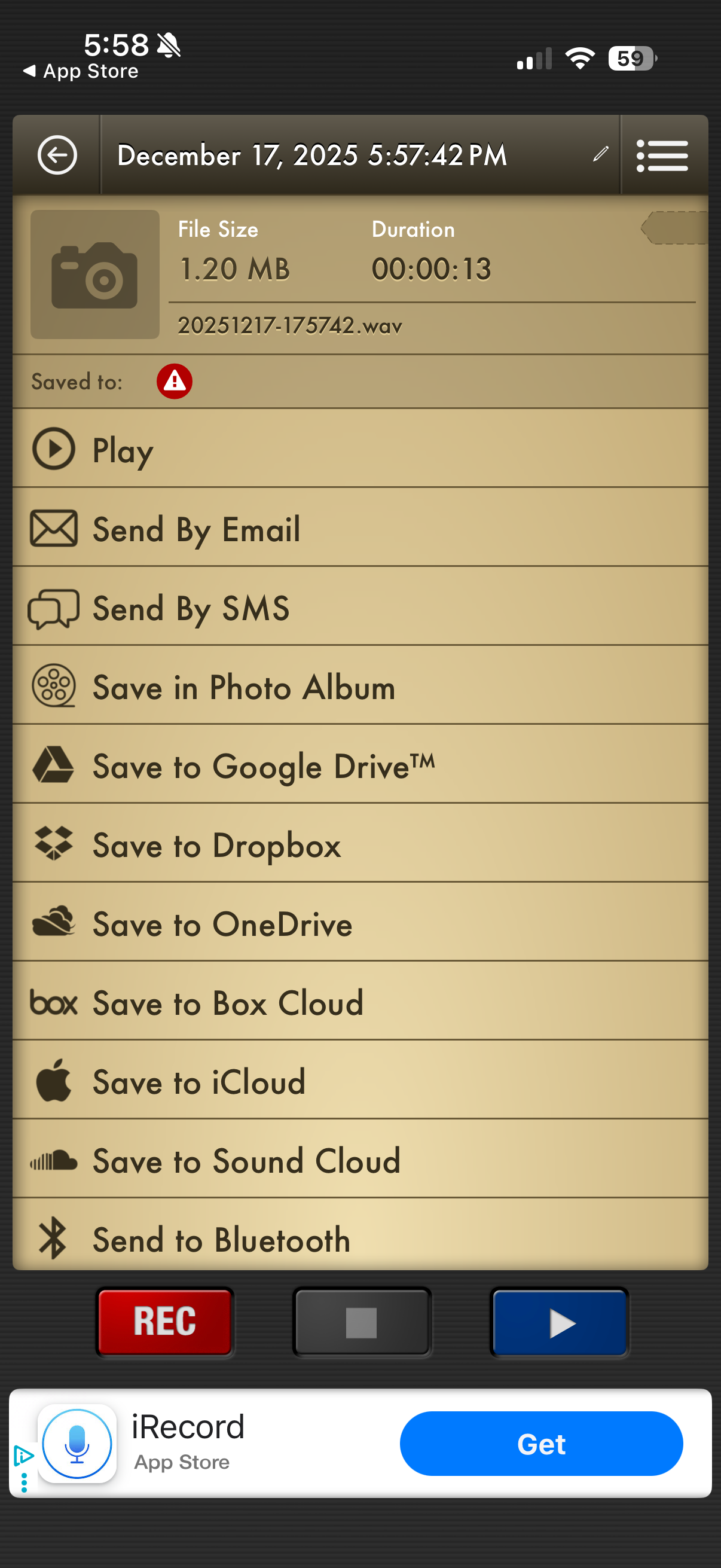
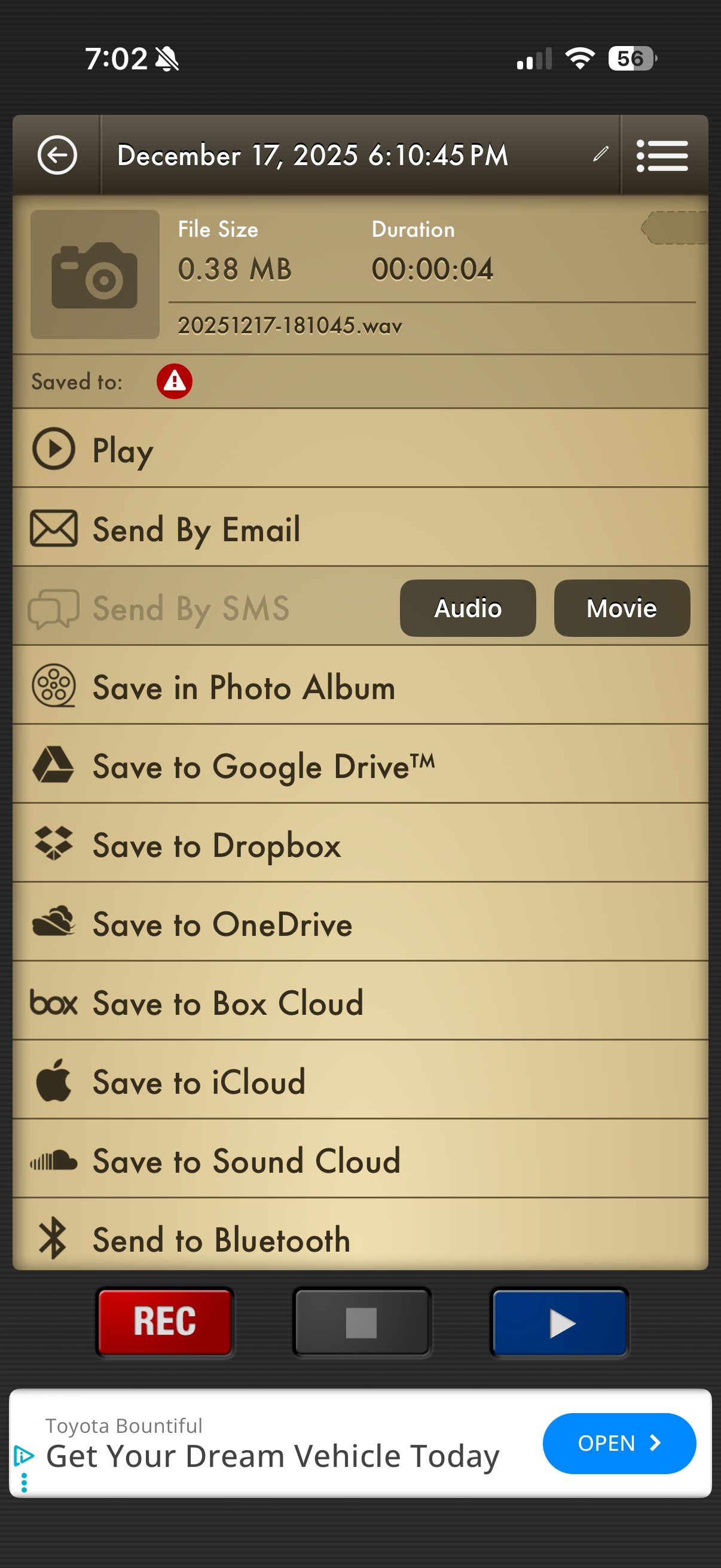
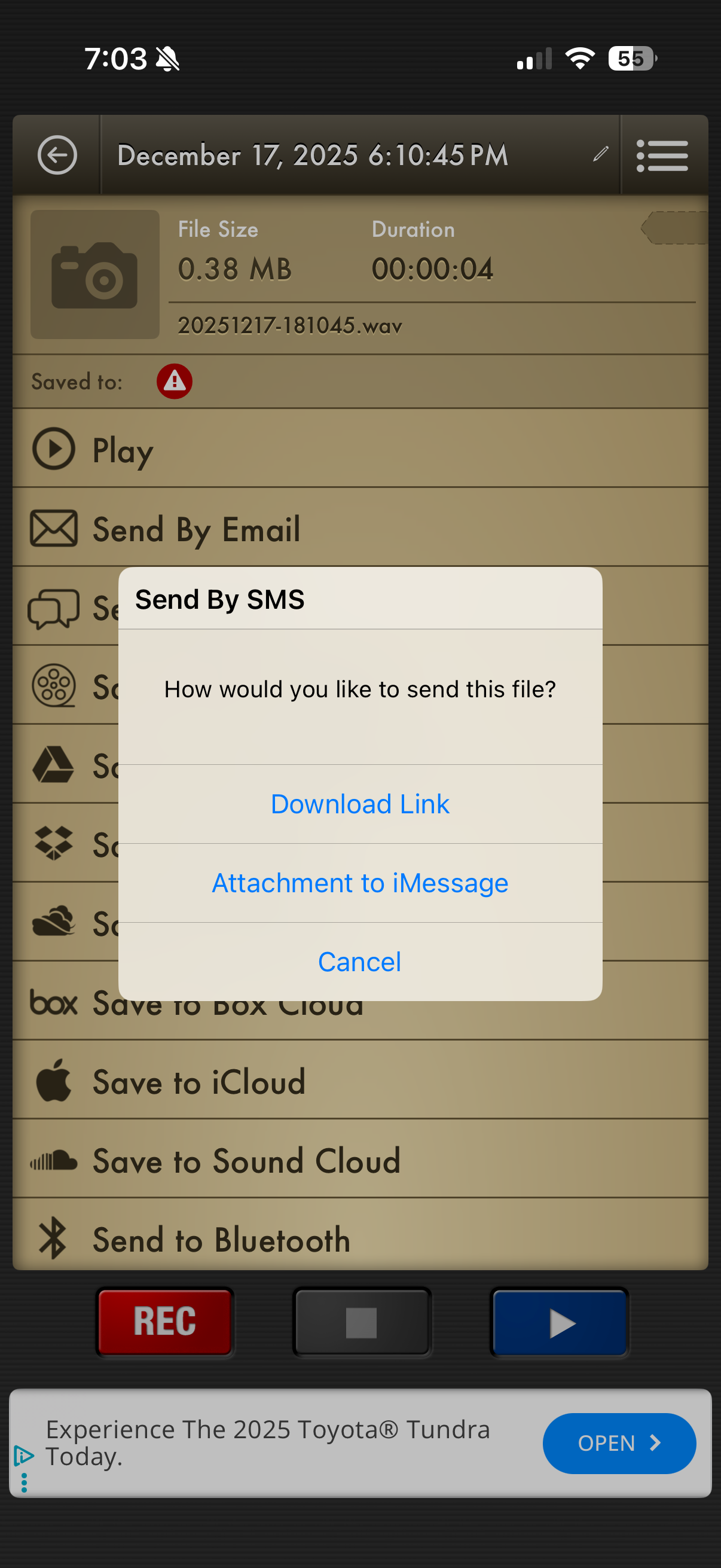
After stopping the recording, you can listen to it by tapping the play button. If you are happy with the recording select send with sms and then choose Audio and Send Link